Building ERP software: off-the-shelf or custom ERP
ERP software brings stock, purchasing, production and accounting onto one dataset. How to choose between off-the-shelf and custom ERP, modules, data migration and phased rollout.
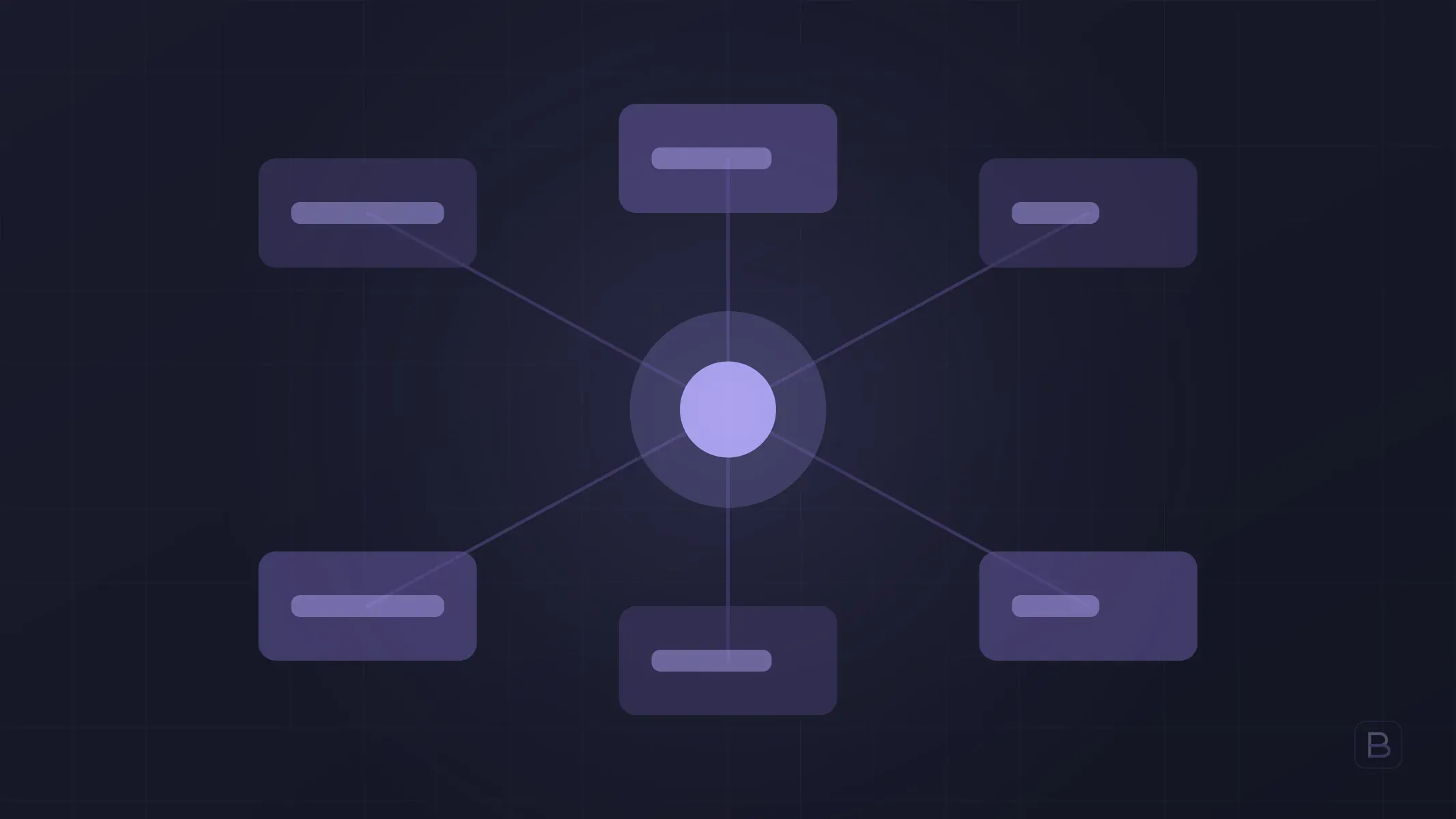
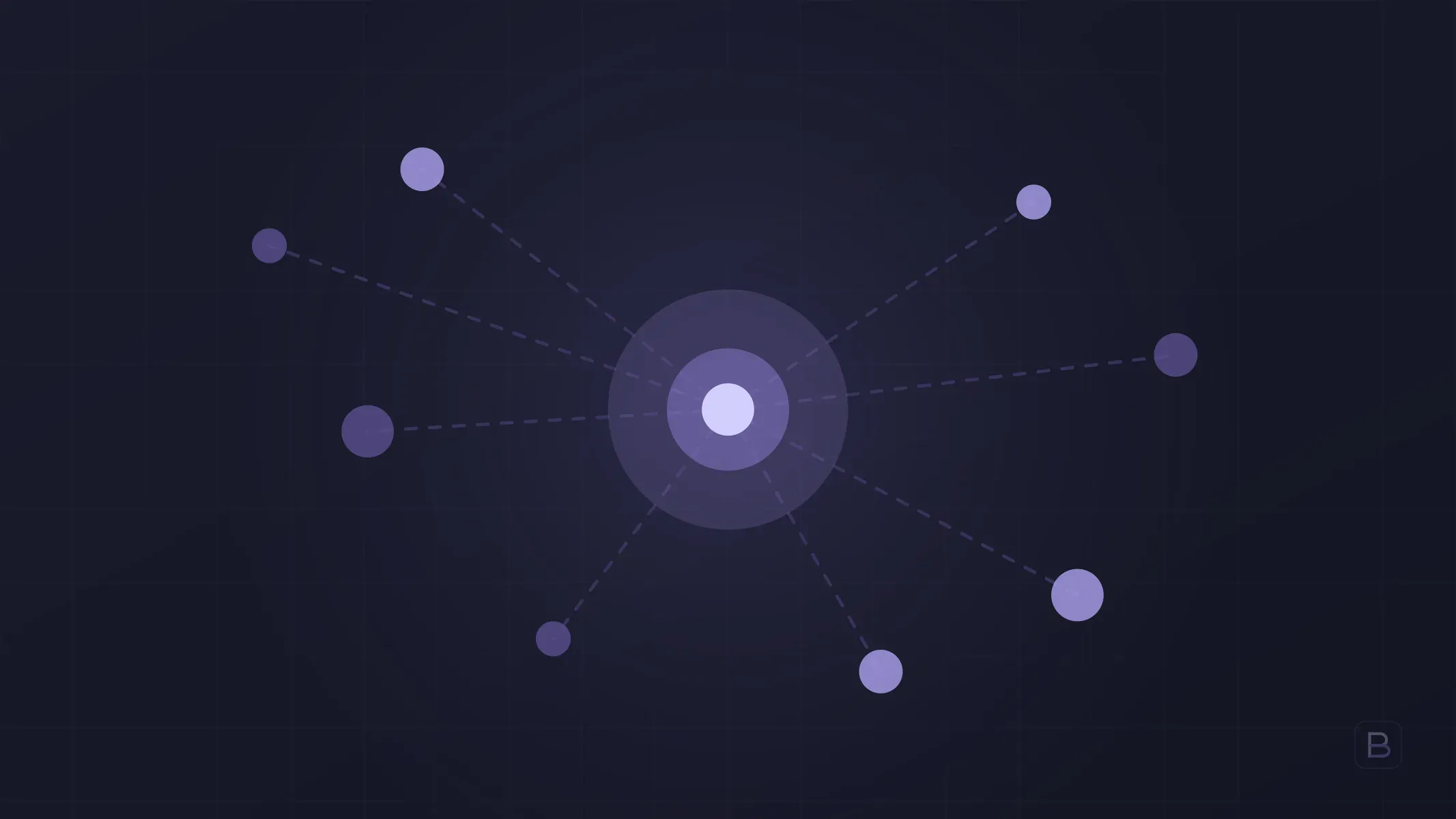
ERP (enterprise resource planning) software brings internal operations such as stock, purchasing, sales, production and accounting into a single database. Instead of keeping the same product data in three spreadsheets, a change made in one place shows up on everyone’s screen.
For most businesses the ERP decision becomes “buy a package or have one built”. This piece explains what ERP is, when custom software makes sense, and how to manage the switch.
What does an ERP actually do?
An ERP is not one screen; it is shared data across connected modules. Typical modules are:
- Stock and warehouse: product records, warehouse movements, counts and minimum-stock alerts.
- Purchasing: suppliers, orders, goods receipt and price history.
- Sales and orders: quotes, orders, shipping and invoicing flow.
- Production: bills of materials, work orders and scrap tracking.
- Accounting and receivables: customer and supplier accounts, collections, payments and handover to the books.
- Reporting: figures from all of the above in one place.
No business needs all of them. A good ERP project starts with the two or three modules that waste the most time.
Off-the-shelf ERP or custom ERP?
| Criterion | Off-the-shelf ERP | Custom ERP |
|---|---|---|
| Time to start | Fast, standard setup | Needs discovery and development |
| Process fit | You adapt to the software | The software adapts to you |
| Cost structure | Recurring fee per user | Build cost, then maintenance |
| Integrations | As far as ready connectors go | Built to your needs |
| Source code | Stays with the vendor | Yours, if the contract says so |
| Growth | Cost rises with licences and users | You decide the scope |
Off-the-shelf ERP is usually the right start if your process resembles the standard flow in your sector. We covered the general framework in custom software vs off-the-shelf.
When does a custom ERP make sense?
- Your production, shipping or pricing rules do not fit the packaged ERP and the team works around the system.
- Customising the package costs more than writing it from scratch.
- You need deep links to external interfaces such as a dealer portal, a mobile app or a customer panel.
- As users grow, licence fees pass the maintenance cost of custom software.
- You want the data and the source code to stay with you.
If none of these apply, there is no hurry to go custom. If the pressure is mainly on the sales side, starting with a CRM is a lighter path.
How does a custom ERP project run?
- Discovery. Current processes, spreadsheets and pain points are written down. Scope and priority order are set here.
- Module order. The module that costs the most time and errors goes into the first release.
- Two-week cycles. A working piece is shown at the end of each cycle, so users give feedback early.
- Parallel run. The new system runs alongside the old one for a while and the figures are compared.
- Cutover and support. The old system is switched off; bugs are fixed quickly in the post-delivery period.
The main point is not to change the whole company in one go. Moving module by module instead of a forced “big switch day” keeps risk small.
Why is data migration a separate work item?
Most ERP surprises come from data migration. Product codes are inconsistent, the same customer is saved under two spellings, and old stock figures do not match the count. So:
- Clean the data before moving it; migrating bad data only enlarges the problem.
- Run a trial migration on a copy of real data, not on test data.
- Decide in advance who signs off opening balances and stock figures.
- Confirm with your accountant how accounting records will be transferred.
How long does an ERP project take?
In our projects, custom business software lands in the 8–16 week band. That band is for a system with a tightly held scope. For a large multi-module ERP the right approach is to split the work into phases: the first phase takes a few modules live, and later phases are added based on real usage. The exact timeline and scope are given in writing after discovery. For the general logic, see how long does a software project take.
What should you watch for?
- Source code and data ownership should be written into the contract; we cover this in the software development contract.
- Involve the users. If the warehouse clerk and the accountant will not use it, even the best ERP fails.
- Control the scope. The first cause of overruns in ERP projects is modules added later; see software project budget overruns.
- Define reports up front. The figures management wants to see shape the data model.
Frequently asked questions
What is the difference between ERP and CRM? A CRM manages sales and customer relationships; an ERP manages internal operations such as stock, purchasing, production and accounting. In growing companies the two are connected.
Does a small business need an ERP? If stock, order and account tracking in spreadsheets has started to produce errors, yes. A single module may be enough at first.
How is the cost of a custom ERP determined? The number of modules, integrations and the volume of data to migrate. Instead of quoting a fixed figure up front, we give a written proposal with the scope after discovery.
Can I add a custom piece without replacing my current ERP? Often yes. A dealer portal, mobile app or reporting panel can be built and integrated with your existing ERP.
Is there support after delivery? At Boygantech we give a 30-day bug warranty after delivery; the maintenance arrangement afterwards is discussed separately.
At Boygantech we have delivered one ERP and one CRM system to date. To work out which module you should start with, fill in our contact form or write to info@boygantech.com.