A company AI assistant: how to build one that works from your own documents
How an AI assistant that answers from your company documents (RAG) works, where it pays off, and how to handle data preparation, access control, hallucinations and measurement.
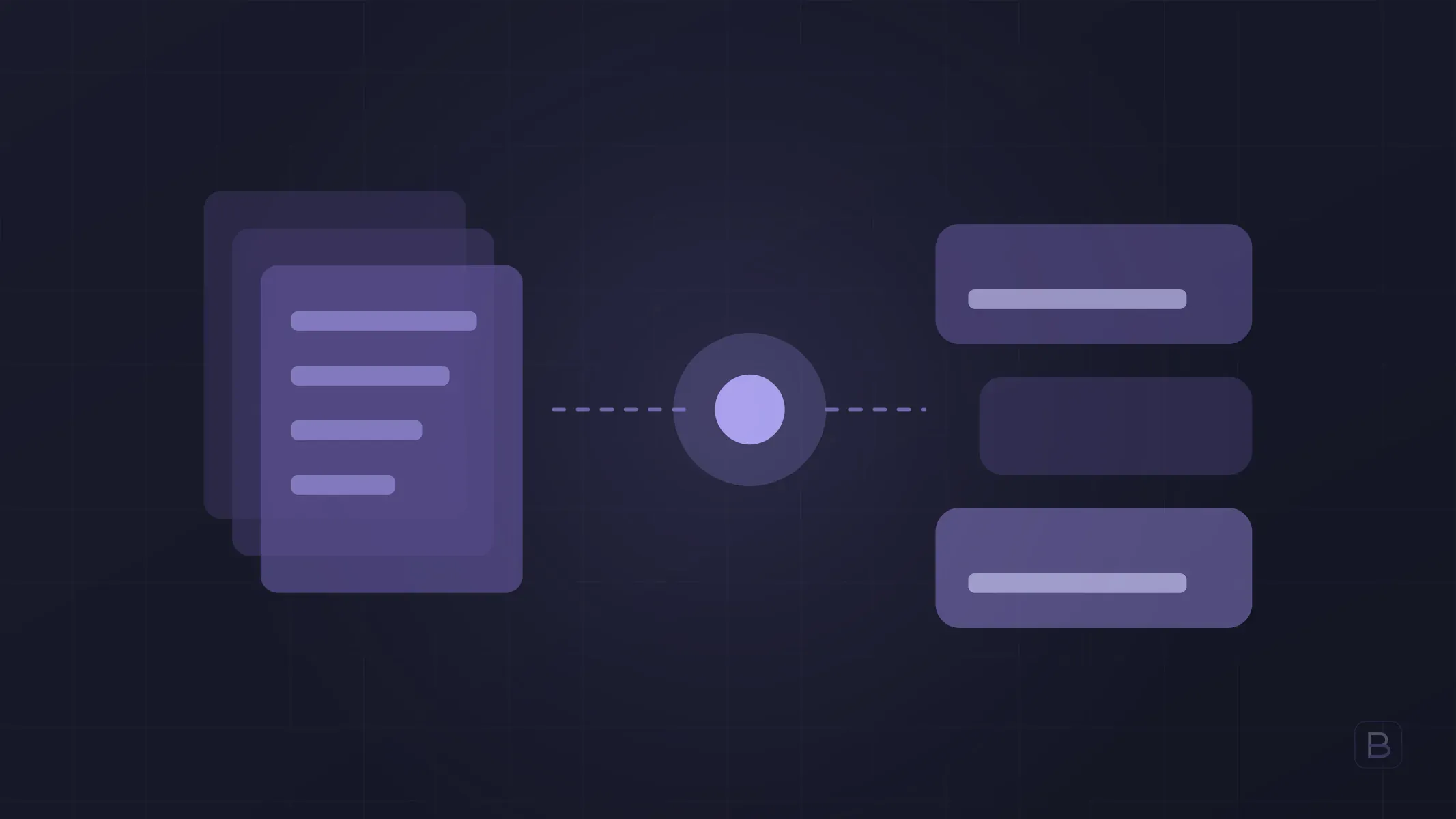
A company AI assistant is software that finds the relevant passages in your own documents (procedures, contracts, price lists, technical docs) and writes an answer based on them, with the sources shown. The technique is called RAG, retrieval-augmented generation: retrieve first, then generate. The assistant does not talk from its general knowledge; it talks from your files.
This article covers how such an assistant works, where it creates value, and what to decide before building one. For the wider picture, see AI automation: where to start.
How does a company AI assistant work?
Think of it as four steps:
- Preparation. Documents are read, split into meaningful passages and written to a searchable index.
- Question. An employee asks: “What is the return window for domestic shipments?”
- Retrieval. The system finds the few passages most relevant to the question.
- Answer. A language model writes the answer using only those passages and shows which document each part came from.
The critical point sits between steps two and three. If the right passage is not retrieved, even the best model gives a wrong answer. Most of the success comes not from the choice of model but from how documents are prepared and how good the search is.
Where does it pay off?
| Area | Example question | Who uses it |
|---|---|---|
| Internal support | “How does annual leave carry over?” | All employees |
| Sales | “What terms did we offer in the last quote for this product?” | Sales team |
| Technical support | “What are the fix steps for this error code?” | Support engineers |
| Onboarding | “Which system do I use to open a customer record?” | New hires |
| Contracts and policies | “What does the confidentiality clause say for this client?” | Legal, operations |
What they share: the answer is written down somewhere, but finding it takes time. If the answer lives only in people’s heads, the first job is to get it written.
Why is data preparation the biggest piece of work?
Documents are usually messier than expected. Before starting, check:
- Are they current? If an old and a new version of the same policy both exist, the assistant can retrieve either. Decide which one is valid and archive the other.
- Are they readable? Scanned PDFs, tables and text inside images do not work well without extra processing.
- Does each set have an owner? Someone must be responsible for keeping each group of documents up to date.
- Are they sensitive? Separate documents containing salaries, personal data or trade secrets from the start.
For the first release, cover one topic (after-sales support procedures, for example), not the whole company. A narrow scope makes cleaning the data easier and makes measurement meaningful.
Who should see what? Access control
The risk most often skipped in company assistants is permissions. If the assistant answers from a document the asker is not allowed to see, the leak happens through the software itself.
The fix is to enforce permissions at retrieval time: before searching, the system checks which documents the user may access and searches only those. Filtering after the answer is generated is not enough; unauthorised content should never reach the model. That is why integration with your existing identity setup (SSO, roles) needs planning from day one.
How do you control hallucinations?
A hallucination is the model stating something with no basis, convincingly. It does not disappear completely, but it can be reduced a lot:
- Answer only from retrieved sources. If it is not in the sources, the model says “this is not in the documents.”
- Show sources. Every answer carries the document name and section so users can verify in one click.
- Set a confidence threshold. If the retrieved passages do not match the question well enough, route to a person instead of guessing.
- Keep humans in the loop for critical areas. Do not present legal, financial or safety answers as final.
How do you measure success?
“It seems to work well” is not a measurement. Track three things:
- Accuracy. Build a set of 50-100 real questions with correct answers written by a person. Re-run it after every change.
- Usage. How many people ask, how many questions per week, who comes back?
- Business impact. Has the time to find an answer dropped, or the number of repeat requests reaching the support team?
Where do you start?
- Pick one team and one topic.
- Collect the relevant documents and mark the current ones.
- Build an evaluation set from real questions.
- Run a small pilot with a few users and log wrong answers.
- Widen the scope once accuracy is stable.
On the software side, this work usually requires connections to existing systems (document stores, authentication, a ticketing tool). So the assistant should be treated as a custom software project, not just a chat box. For the customer-facing counterpart see AI customer service, and for our scope see the AI and automation service page. A company assistant is also different from employees using general-purpose tools; we cover that in ChatGPT at work and data security.
Frequently asked questions
Is RAG the same as training the model on our data? No. Training (fine-tuning) changes the model itself. With RAG the model stays the same and relevant documents are supplied as context for each question. Updating a document means refreshing the index; you do not retrain the model.
Will our documents be sent to the cloud? It depends on the architecture. The language model may be an external service while the index stays on your own infrastructure, and only the passages relevant to a question are sent to the model. Confirm data location and provider terms with your data protection officer and legal counsel.
How long does it take to build? It depends on scope and the number of integrations. Custom business software typically takes us 8-16 weeks; a narrow single-topic pilot can come in under that. We work in two-week development cycles, so you see a working version each cycle.
Will the assistant never give a wrong answer? Promising that would be wrong. The goal is not zero errors; it is to keep errors visible and cheap through source citations, confidence thresholds and handover to people.
Which file types can it use? PDFs, Word files, spreadsheets, wiki pages and email archives are common. Scanned documents and complex tables need extra preparation.
Tell us which knowledge in your company is costing people time to find, and we will outline a pilot scope together. Fill in the contact form or write to info@boygantech.com.