Accounting and e-invoice integration: what to connect and how
Integration lets software talk to each other without manual re-keying. Accounting, e-invoice, payment, shipping and ERP links: API vs intermediary, error handling and measuring manual work.
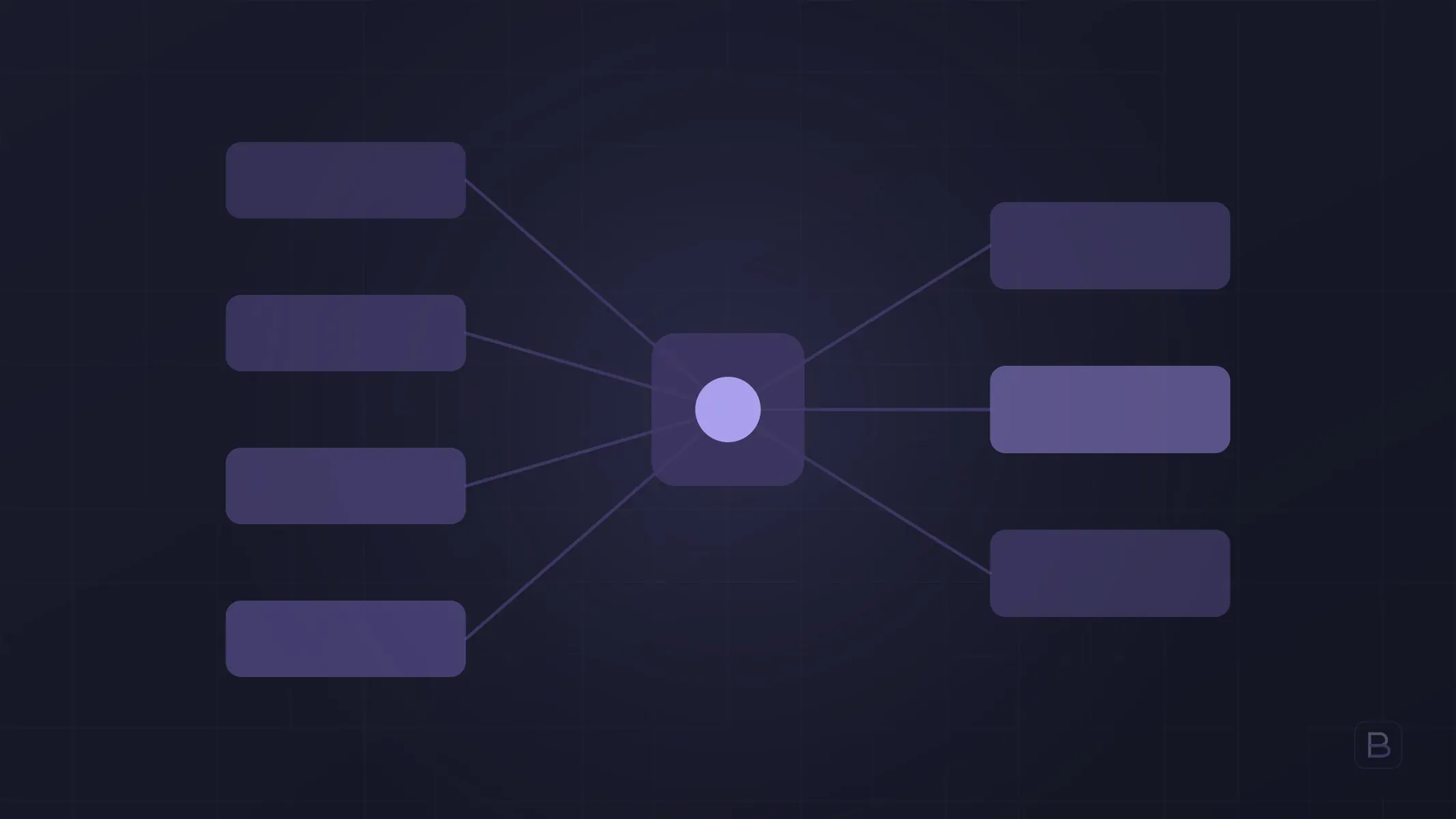
Integration is when two pieces of software exchange data without anyone re-keying it. An invoice that issues itself when an order arrives, a payment that posts to the books, a tracking number that reaches the customer: each is an integration.
Integration usually comes up only once manual work has worn a team down. This piece covers which systems are worth connecting, how to build the link, and what to do when something fails.
Which systems get connected?
- Accounting software: removes manual entry of sales and collections.
- E-invoice and e-archive: invoices generated and delivered automatically from the order.
- Payment provider: collections matched to orders, refunds and cancellations reflected.
- Shipping carriers: creating shipments, tracking numbers and delivery status.
- ERP and stock: sold items deducted from stock, stock levels fed back to the sales channel. For background, see building ERP software.
- CRM: the customer and amount recorded once a lead becomes a sale; see CRM software.
What should you know about e-invoice integration in Turkey?
If you are reading from outside Turkey: invoicing here is increasingly electronic. E-invoice and e-archive invoice are electronic invoicing systems run under the Revenue Administration (GİB). Which one a business falls under, and how it may issue invoices (through the GİB portal, a private intermediary or its own integration), depends on regulation. So:
- Confirm with your accountant which invoice type you must issue.
- Usually you do not send invoices to GİB directly but through a private intermediary (a licensed integrator) service. Your software connects to the interface that intermediary offers.
- When choosing an intermediary, check that its interface is documented and comes with a test environment.
- Regulation can change; keep the rules updatable instead of baking them into the software.
For exact rules and rates, rely on current regulation and your accountant; the software side only makes sure data goes out correctly and on time.
API, intermediary or file transfer?
| Method | When it fits | Watch out for |
|---|---|---|
| API (direct connection) | The other side has a documented API and data flows often | Version changes and credentials need tracking |
| Intermediary service | Several systems connect through one middle layer | Its fee and your dependence on it |
| File transfer (CSV, XML) | No API, data moves a few times a day | Delay and risk of manual intervention |
| Manual entry | Very rare, low-volume work | Errors and time cost grow |
Rule of thumb: if data flows often and matters, use an API; for one-offs or rare transfers, file transfer may be enough.
The hard part of integration: error handling
Integrations are invisible while they work and cost money and customers when they fail. A sound setup includes:
- Logging. Every message sent and received is recorded, so “why was this invoice not issued?” is answered in minutes.
- Retries. If the other service is briefly down, the system retries automatically.
- Duplicate protection. The same order must not be invoiced twice; each record needs a unique ID.
- Alerts. A failed transfer does not vanish silently; someone is notified.
- A manual correction screen. An interface where you can fix a bad record and resend it.
- Credential security. Keys should live in secure configuration, not in the code.
How do you measure manual work?
The case for integration should be a number, not a feeling. A short measurement over a week or two is enough:
- Which data is typed from which system into which? List it.
- How often a day is each done, and how many minutes does it take each time?
- How many errors in the last three months (wrong amount, missing invoice, duplicate), and how long did fixing them take?
- Pick the top two time-wasters and start the integration there.
That way you start with the highest-return link instead of trying to connect everything.
Process and timeline
A small integration (for example, passing an order from your website to accounting) can be ready quickly; a multi-system setup can approach the custom business software band of 8–16 weeks. We work in two-week cycles and show a working link in a test environment each cycle. The exact timeline is given in writing after discovery. We give a 30-day bug warranty after delivery.
One long-term point: accounts, API keys and intermediary memberships for the integration should be opened in your name, with the access details staying with you. For the contract side, see the software development contract.
Frequently asked questions
If I have an online shop, is e-invoice integration mandatory? How an invoice must be issued depends on regulation and the type of business; settle this with your accountant. Integration removes the burden of issuing the same invoice by hand.
Should I use an intermediary or have my own integration built? For most businesses, connecting through an intermediary means less work and less responsibility. Custom connections are considered for special workflows, high volume or several systems.
Is a ready-made connector enough? For a standard flow, yes. If your process is not standard you hit its limits; the distinction is the same as in custom software vs off-the-shelf.
What happens if the integration breaks? In a well-designed setup, records wait, an alert goes out, and they are fixed and resent. That is why error handling must be designed from the start.
Can the connection be extended later? Yes. Building the most critical link first and adding later keeps both risk and budget under control.
To map the manual transfers in your business and decide which to automate first, fill in our contact form or write to info@boygantech.com.