What software is and what types exist: a guide for business owners
Software is the set of instructions that tells a computer what to do. The types, which ones a business needs, and how to decide between buying and commissioning.
Software is the set of instructions that tells a computer, phone or server which job to do and in what order. Hardware is the part you can touch; software is the invisible part that makes that hardware useful. The banking app on your phone, the program your accountant uses and the website you are reading now are all software.
This article is not for people who want to become programmers. It is for business owners who use, buy or are thinking of commissioning software.
How many types of software are there?
The textbook split has two parts:
- System software. Manages the hardware and lets other programs run. Windows, macOS, Android and Linux are in this group.
- Application software. Does a job for the user: writing, invoicing, messaging.
The split that matters to a business sits inside application software:
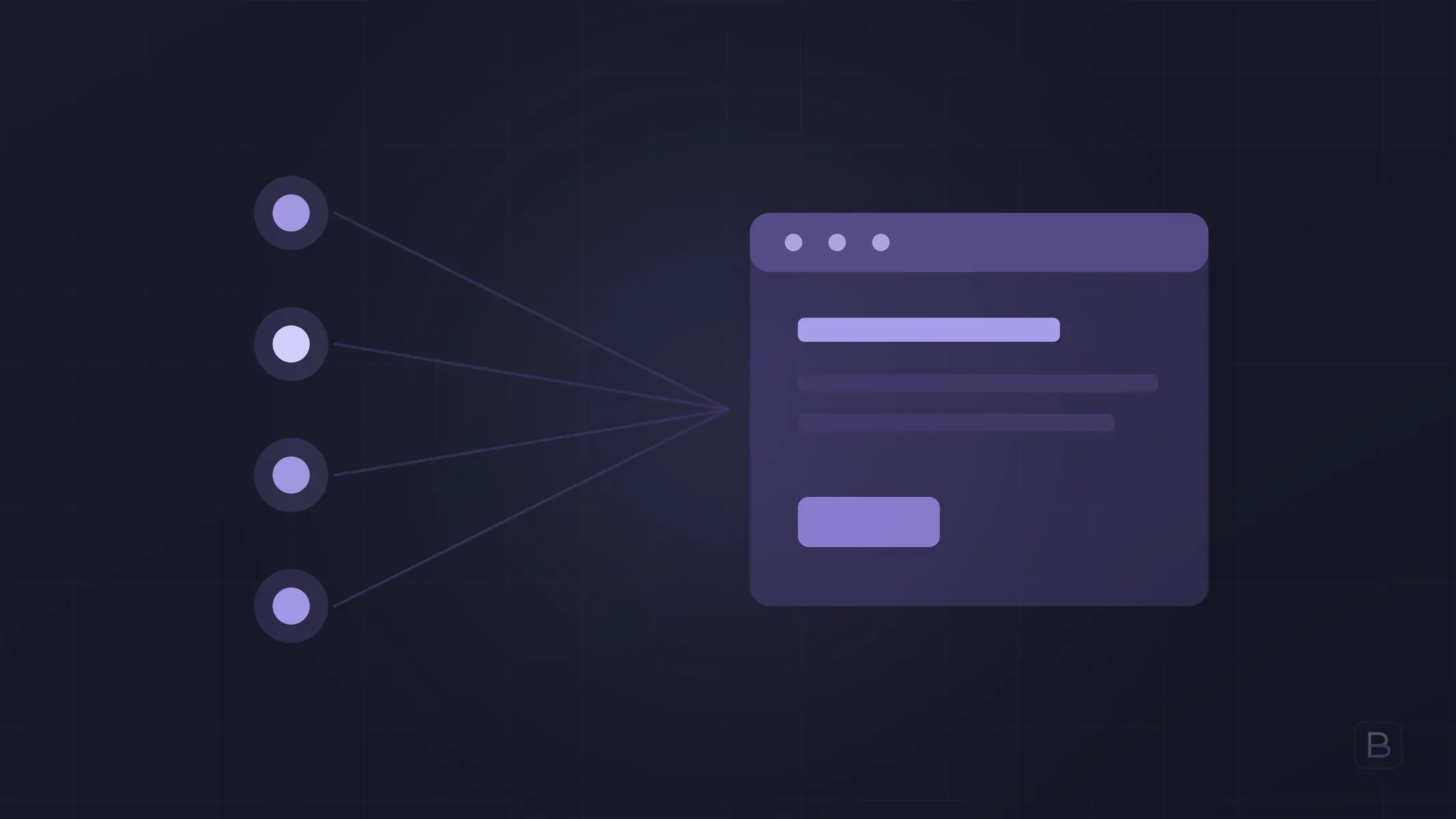
- Website. Opens in a browser, informs and collects enquiries.
- Web application. Opens in a browser but work gets done inside it: an order panel, a booking system, a customer portal.
- Mobile app. Installed on a phone and distributed through the App Store and Google Play.
- Desktop software. Installed on a computer. Most accounting and design programs work this way.
- Embedded software. Runs inside a device: a till, a card terminal, a machine on a production line.
What is a piece of software made of?
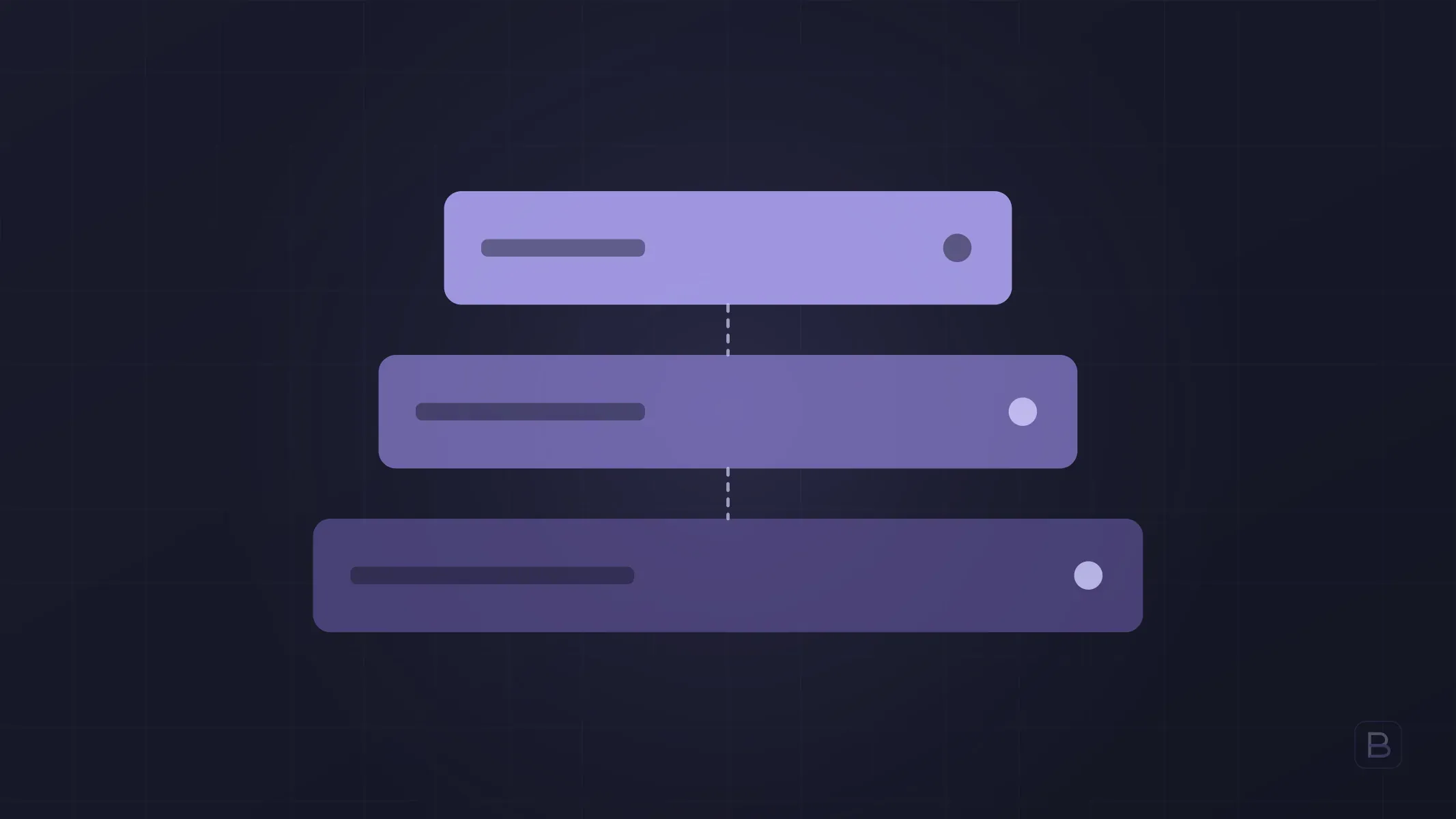
Whatever the type, almost all business software has three layers:
- Interface. The screens the user sees and clicks.
- Business logic. Where the rules live: who can see what, how a discount is calculated, when an order is approved.
- Data. The database holding customer, product, order and payment records.
Knowing this helps when reading a quote. Two screens can look identical, but if one has ten rules behind it and the other a hundred, they will not cost the same. Cost is set by the second and third layers, not by the number of screens.
What is the difference between off-the-shelf and custom software?
- Off-the-shelf software. Built for everyone and used on a monthly or yearly licence. You start immediately, but your workflow adapts to the software, not the other way round.
- Custom software. Written around your workflow. The upfront cost is higher, there is no licence fee and the code is yours.
- Open-source software. The source code is public and usually free. There is no licence cost, but setup and maintenance take effort.
The general rule: buy the work everyone does the same way, build the work that sets you apart. Accounting and email are in the first group; your own pricing, production planning or customer process is in the second. The decision threshold is covered in detail in custom software vs off-the-shelf.
Which software does a business need?
It varies by sector, but for most businesses the list looks like this:
- Website. To be found and to receive enquiries.
- E-commerce platform. If you sell online, with payment, shipping and stock connections.
- CRM. Customer and lead tracking.
- ERP and accounting. Stock, purchasing, invoicing, e-invoicing.
- Operations tooling. Bookings, orders, field teams, reporting dashboards.
- Automation. Connections that move data between these systems instead of someone doing it by hand.
In most businesses the problem is not a lack of software but software that does not talk to each other. If the same customer details are typed into three places, the need is an integration, not another program.
How is software developed?
A healthy project goes through four stages:
- Discovery. What will be built, what will not, and which conditions must be met to call it done are written down.
- Design and prototype. The most critical flow becomes clickable before any code is written.
- Development and testing. Work moves in short cycles; each ends with a working release.
- Launch and maintenance. The software goes live; updates, security patches and backups continue.
The last stage is the one most often forgotten. Software is not finished the day it is delivered; it changes as it is used and ages when it is neglected. The step-by-step version is in how to commission software.
Who develops software?
There are three options: a freelancer working alone, a software agency working project by project, or a team you build in-house. Which is right depends on the size of the work and how long it will last; the comparison is in agency, freelancer or in-house team, and what an agency does is in what a software agency is.
Frequently asked questions
Are software and a program the same thing? In everyday speech, yes. Technically a program is a sequence of instructions doing one job; software is the broader term covering programs, data and documentation.
What is the difference between software and hardware? Hardware is the physical parts of the device: processor, screen, disk. Software is the code telling those parts what to do.
Is a website software? Yes. Even a simple informational site is software; if it has orders, accounts or payments it is a web application, and the scope is much larger.
How much does custom software cost? It depends on scope; the number of rules and integrations matters more than the number of screens. Pricing models are covered in software development pricing.
Is AI software? Yes. AI models are software too; the difference is that the rules are learned from data rather than written by hand.
The kinds of software used through a browser are covered separately in what is web software.
If you would like to work out together what your business should buy and what it should have built, you can book a call from our software agency page; the first 30-minute call is free.