B2B e-commerce and dealer ordering portals: how to build one
B2B e-commerce is a closed sales channel with dealer-specific pricing, credit limits and bulk ordering. How it differs from B2C, what features you need, and ERP integration.
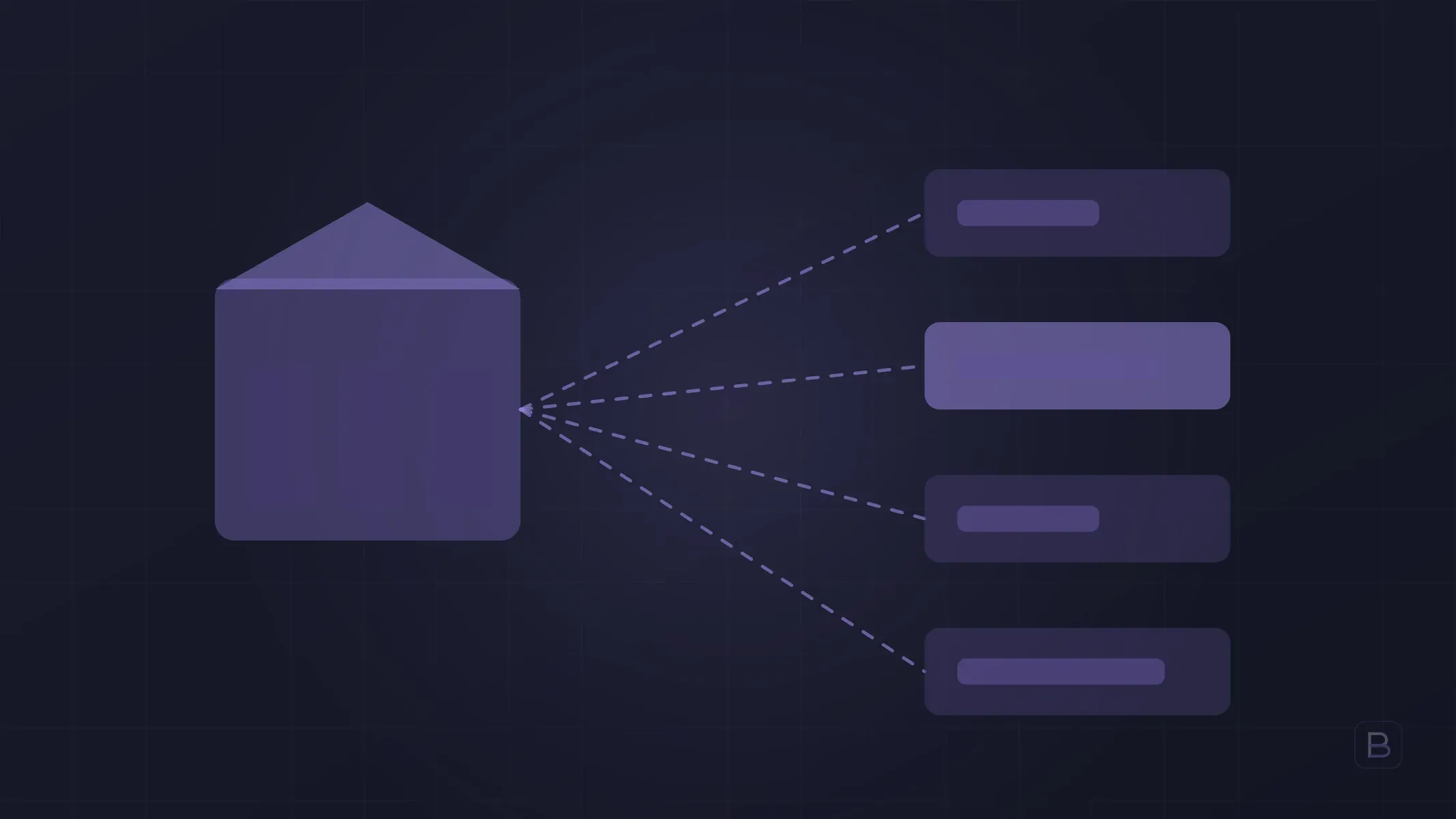
A B2B e-commerce and dealer ordering portal is a closed sales channel where dealers and business customers log in and order at prices set for them. It is not an open storefront; each dealer sees their own price list, credit limit and order history.
Manufacturers and wholesalers who take dealer orders by phone, WhatsApp and email run into the same problems: misread product codes, outdated price lists, promises made without knowing the stock. A portal moves that load into the system.
How does B2B e-commerce differ from B2C?
| Topic | B2C e-commerce | B2B e-commerce / dealer portal |
|---|---|---|
| Access | Open to everyone | Login required, often approved |
| Pricing | Same for everyone | Specific to dealer, group or contract |
| Payment | Mostly card | Account balance, terms, cheques, bank transfer |
| Ordering | A few items | Bulk, repeat, quick entry by code |
| Customer relationship | Anonymous | Known, long-term |
| Integrations | Payment and shipping | ERP, stock, accounts and invoicing |
Because of these differences, turning an off-the-shelf B2C storefront template into a dealer portal is usually inefficient. If you are also thinking about the storefront side, building an e-commerce site is a good starting point.
What features does a dealer portal need?
- Dealer-specific pricing. Price lists are set per dealer, dealer group or region; discounts and campaigns run separately.
- Credit limit and balance. The dealer sees their balance, payments due and remaining limit. When the limit is exceeded, an order can go to approval.
- Bulk and quick ordering. Line-by-line entry by product code, upload from Excel and a “repeat previous order” button save time.
- Live stock visibility. The dealer does not order an out-of-stock item and get disappointed later.
- Order tracking. Stages such as preparing, shipped and delivered appear on one screen.
- Document access. Invoices, delivery notes, catalogues and technical documents are downloaded from the portal.
- Permission roles. The dealer’s own staff can log in with different permissions.
You do not need all of it in the first release. Start with pricing, ordering and balance, then add the rest.
How should the portal talk to the ERP and stock?
The portal is only as good as the data behind it. If prices, stock and account balances live in the ERP, the portal should read them from there and write orders back. Otherwise you end up with two data pools and a team re-keying orders by hand.
Key points:
- Decide up front which data has the ERP as its source and which has the portal.
- Decide whether stock and price are pulled in real time or at intervals.
- Make sure an order is not lost when a transfer fails; it should wait in a log.
- If you have no ERP, or a weak one, the portal can start with a light stock and accounts module; we covered this in building ERP software.
For the technical side of integration, see also accounting and e-invoice integration.
Off-the-shelf B2B platform or custom portal?
If your pricing logic is simple and your ERP offers a ready connector, an off-the-shelf B2B platform is a quick solution. A custom portal stands out when:
- Your pricing rules (discount chains, regional prices, limits by product group) do not fit the packaged module.
- Your ERP is old or custom-built and there is no ready connector.
- The dealer interface should be part of your brand, and a mobile app is wanted.
- Licence cost grows with the number of dealers.
The general logic of this comparison is in custom software vs off-the-shelf.
How do you get dealers to use the portal?
Even when the portal is ready, a dealer can keep ordering by phone. A few practical steps help:
- Pilot with your few largest dealers and reflect their feedback in the first release.
- Keep the portal comfortable on a phone; dealers are often in the field.
- Give the portal its own advantage: current prices, fast ordering, balance visibility.
- Make the sales team its advocate; show that they spend time on relationships instead of order entry.
Timeline and approach
Our custom business software is delivered in the 8–16 week band. A portal can fit within that band depending on scope; if it needs ERP integration, the timeline stretches accordingly. We work in two-week cycles and show a working piece at the end of each. The exact timeline and scope are given in writing after discovery.
Frequently asked questions
Is a dealer portal the same as B2B e-commerce? Largely yes. A dealer portal is usually open only to existing dealers, while B2B e-commerce is a wider channel that can also open to new business customers.
How is dealer-specific pricing managed? Price lists are set per dealer or group and ideally sync with the ERP, so a price is changed in one place.
Is online payment required? No. In B2B, account balance and payment terms usually rule; cards are added as an option only for small or new customers.
Should the portal be web only? A responsive web interface is enough for most businesses. If dealers are in the field, a mobile app can be added later; see building a mobile app.
Could prices leak to competitors? The portal is behind a login, so it is not public, but you need to design authorised users and the approval process carefully.
At Boygantech we have delivered 4 e-commerce sites, one CRM and one ERP system to date. To define the right portal scope for your dealer network, fill in our contact form or write to info@boygantech.com.